MeshVault

Design / Generate / Print

Creator Tools

Free generators that run in your browser. Make a useful part or a small world, download STL or 3MF, or keep the models, settings and instructions together in a MeshVault package. No account required.

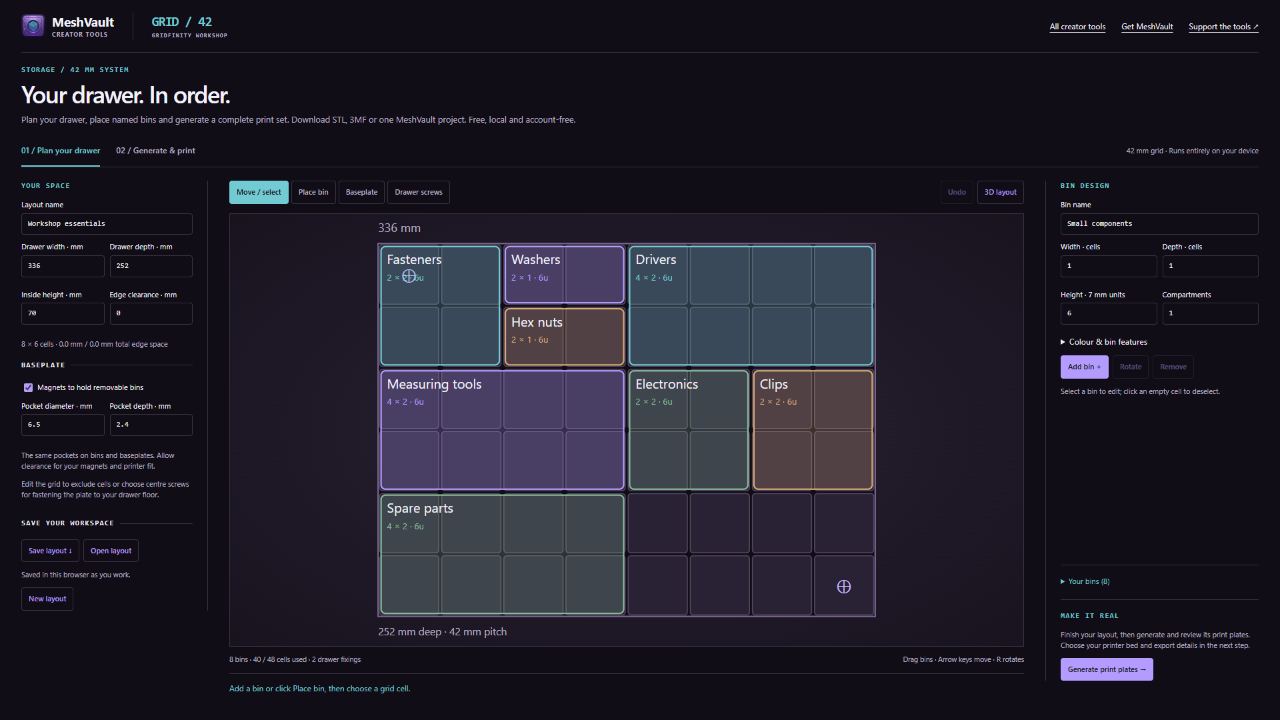
Gridfinity Generator preview

Gridfinity Generator

Plan a whole drawer with named, draggable bins and shaped baseplates. Split the baseplate to fit your printer, generate the print plates locally, then download STL, 3MF or one MeshVault project with the editable layout.

Open generator →
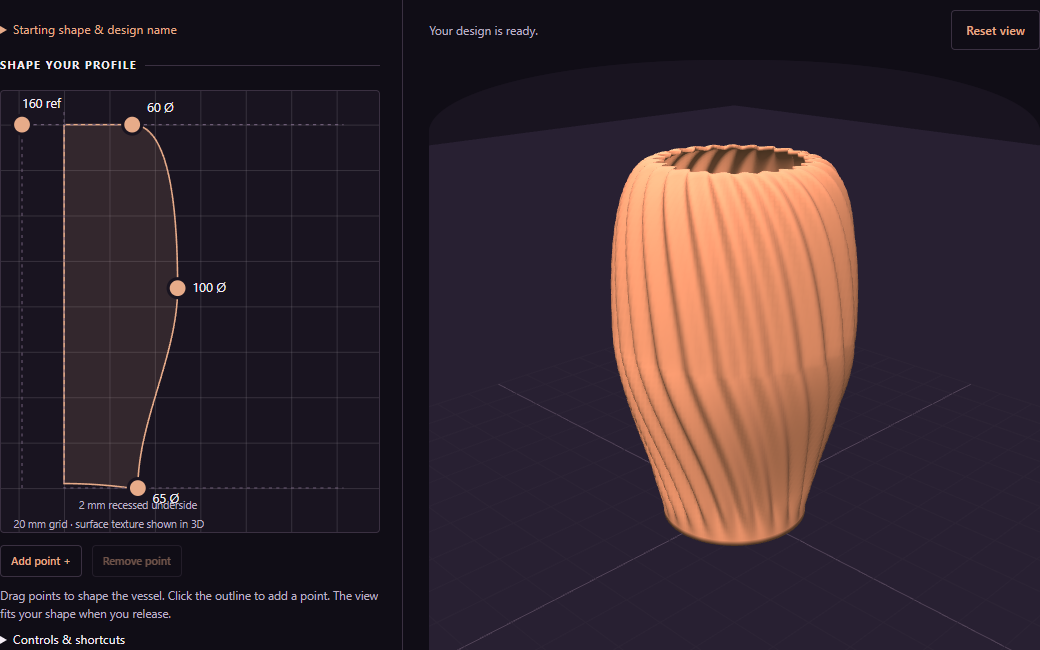
Vessel Studio profile editor and live 3D vase preview

Vessel Studio

Shape your own vase or bowl with live 3D controls, flutes and twist. Choose decorative or watertight-focused print advice, add your author credit, and export STL, 3MF or a MeshVault package.

Open generator →
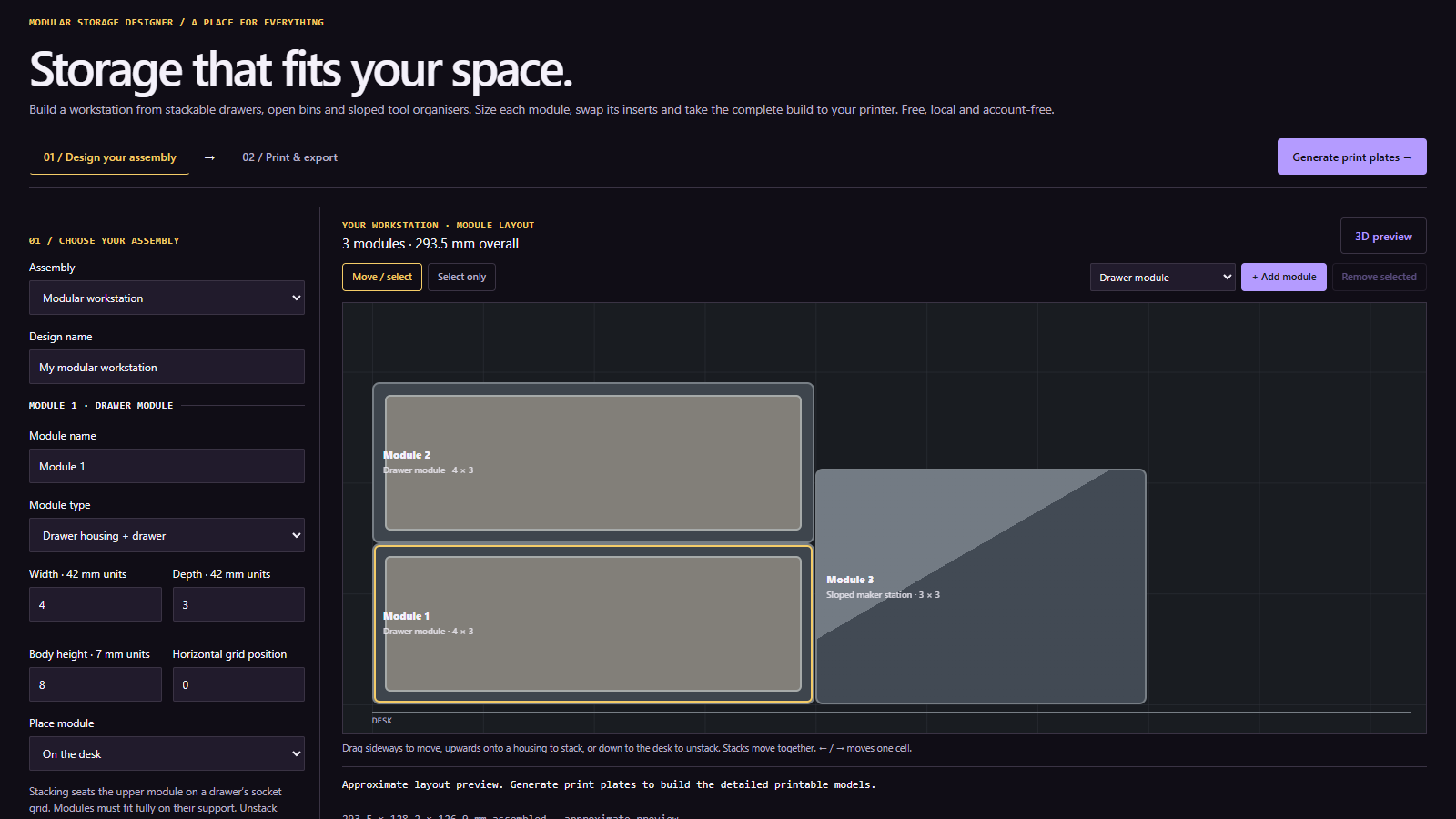
Modular Storage Designer workspace with draggable stacked modules and a sloped maker station

Modular Storage Designer

Build a workstation from separately sized drawers, open bins and sloped tool organisers. Stack modules with Gridfinity interfaces, mix removable inserts, add labelled drawers and HSW side panels with hooks or mounting plates, and export printer plates as STL, 3MF or one illustrated MeshVault project.

Open generator →
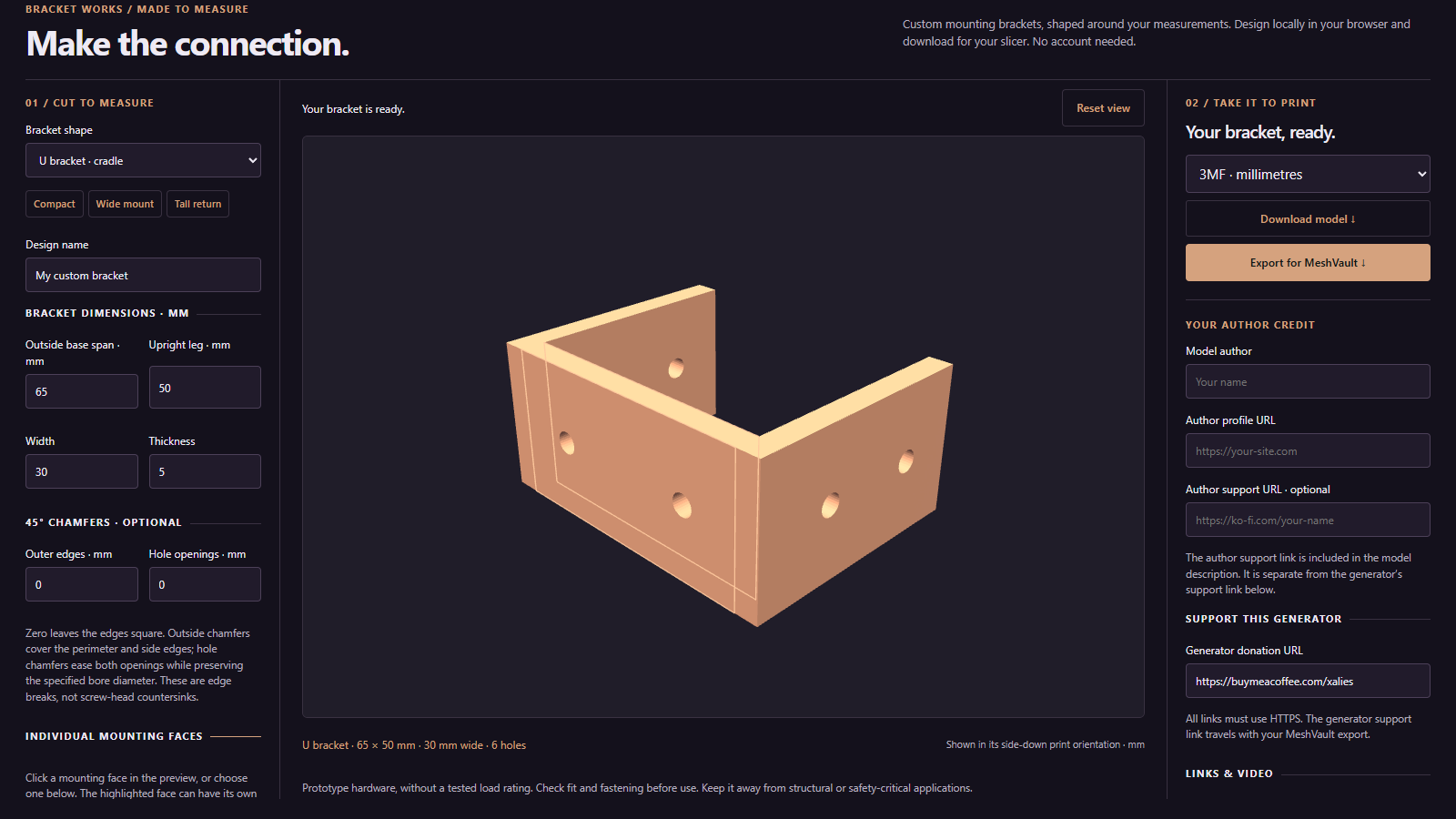
Bracket Works workspace with a U bracket and selectable mounting faces

Bracket Works

Make L, U and Z brackets, saddle and half-saddle mounts, or flat joining plates with independently adjustable screw holes on each face. Export STL or 3MF, or add your own author credit, support links and a YouTube video guide to a MeshVault package.

Open generator →
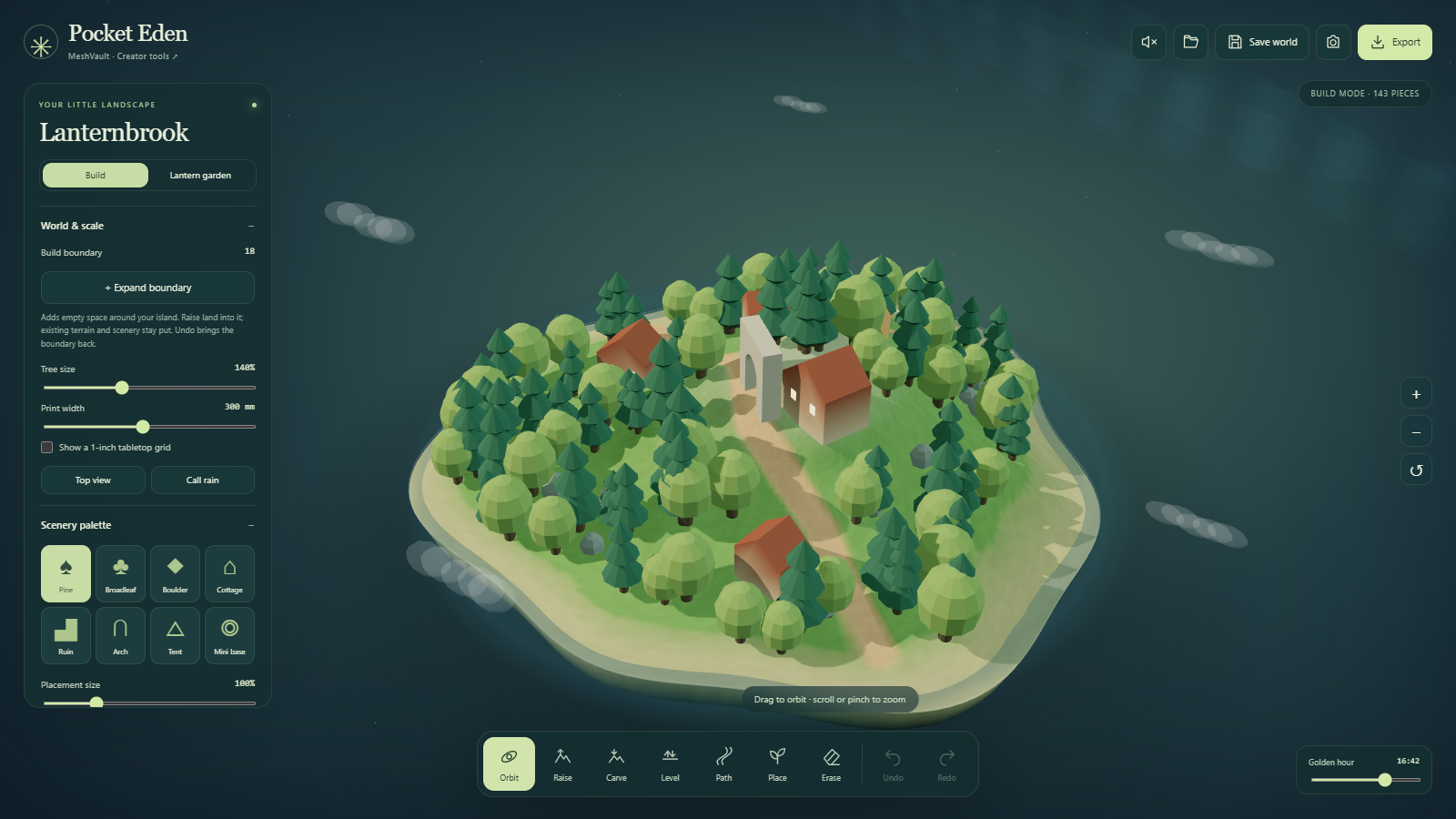
Pocket Eden landscape studio with teal controls and a woodland village

Pocket Eden

Sculpt a little world, draw paths and place trees, cottages or ruins. Print terrain tiles with attached scenery and removable joins, assign colours with multipart 3MFs, or keep the editable world, models and guide in a MeshVault package.

Open generator →
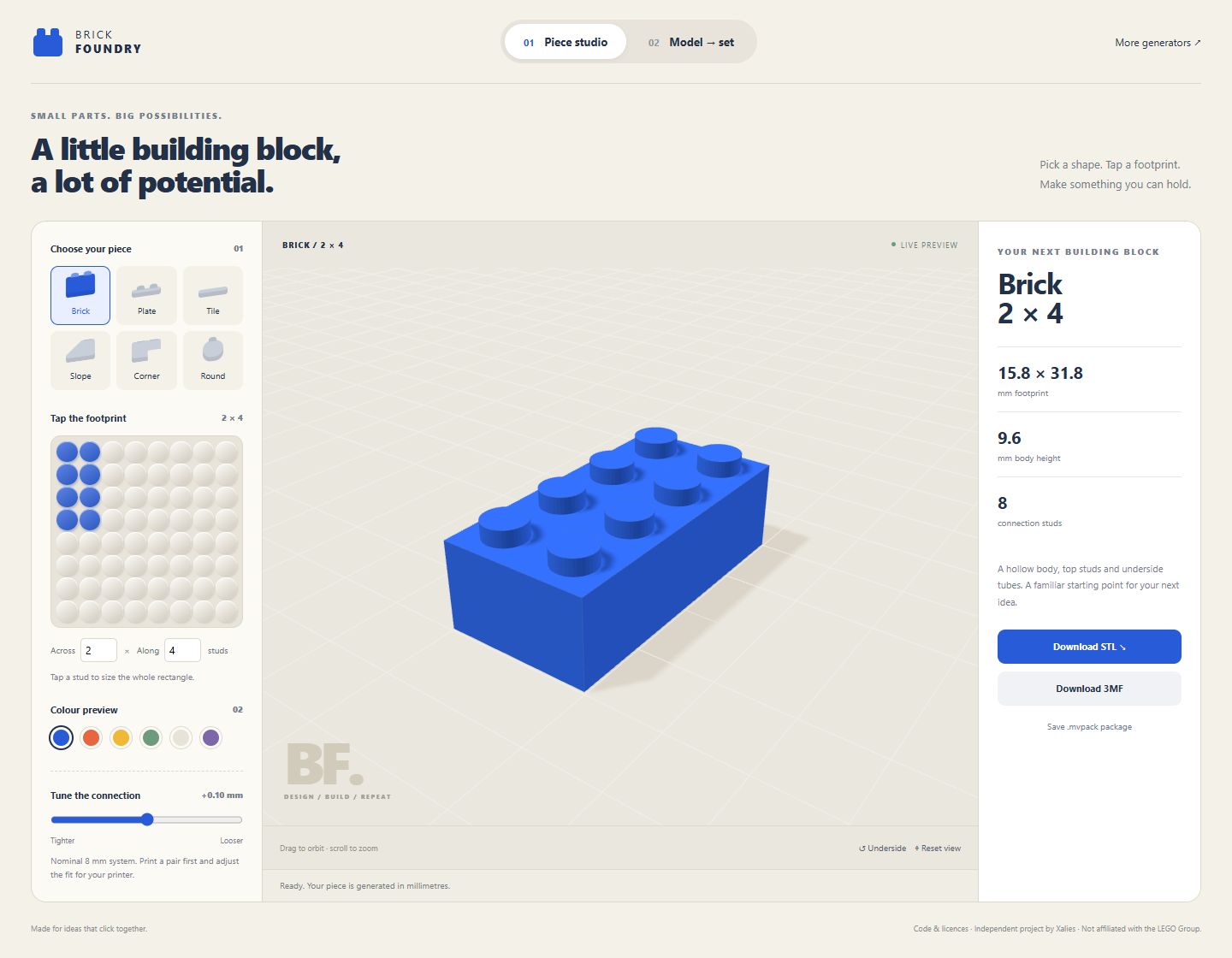
Brick Foundry preview

Brick Foundry

Make LEGO-compatible bricks, plates, tiles, slopes and more. Turn an STL, 3MF or STEP into a set of whole pieces, inspect its layers and print a kit with a parts inventory, assembly guide and MeshVault package.

Open generator →

Keep the design with its details.

Export a .mvpack and import it into MeshVault to keep the model, preview and available instructions together. Check the geometry and print settings in your slicer before printing.

Get MeshVault →

Building a generator of your own?

Use the same format on your site. The guide includes package examples and practical integration instructions.

Read the .mvpack integration guide →